A more secure workplace starts in the parking lot. Vert helps workplace teams identify unauthorized vehicles, enforce parking policies, and maintain control of the site—reducing security gaps and giving teams greater visibility while protecting access to critical spaces.

Advantages

Why workplace teams choose Vert.

Why workplace teams choose Vert.

One record from registration through resolution.

Keep employee and visitor permissions, assignments, plate checks, notices, and related reporting together instead of reconciling separate tools.

Secure, streamlined access management

Simplify identity and access management with Single Sign-On (SSO), automated SCIM provisioning, and verified access controls. Vert helps workplace teams onboard and offboard users efficiently, protect sensitive parking data, and ensure the right people have access across every location.

Mobile LPR without a dedicated camera installation

Run mobile LPR on compatible phones, on foot or by vehicle, without making specialized LPR camera infrastructure a prerequisite.

A workplace-branded experience.

Use company or property branding, communications, and a dedicated subdomain so employees and visitors recognize the organization managing the experience.

Flexible event configuration.

Configure supported products, dates, zones, durations, assignments, vehicle limits, and visitor rules around the way each workplace operates, including everyday operations, events and conferences, and flexible duration programs like summer internships or seasonal contractors.

Direct operational visibility.

Workplace teams can work from current parking records and review activity without sending every change or question to a third-party operator.

Make parking easier to understand before employees arrive.

Workplace parking is no longer only a list of monthly permit holders. Attendance changes by day, visitors arrive on different schedules, teams share limited capacity, and workplace operations still need a clear record of who may park where.

Vert connects permissions, registrations, assignments, reservations, mobile LPR, and resolution activity so employees and facilities teams are not working from separate spreadsheets and inboxes.

Employee self-service. Let approved employees apply for parking, register or update vehicles, upload required information, and manage supported permissions without routing every change through facilities.

Flexible workplace rules. Configure products and permissions by location, user group, zone, date, time, duration, or other supported criteria. Use monthly permits, temporary access, assignments, or reservable products where the workplace policy requires them.

Visitor and contractor parking. Allow teams to register a visitor in advance or on arrival and define distinct areas or time limits for guests, interview candidates, vendors, and contractors.

Current status visibility. Use real-time employee, visitor, permit, assignment, and exception records in mobile plate checks to quickly identify unauthorized vehicles and policy violations.
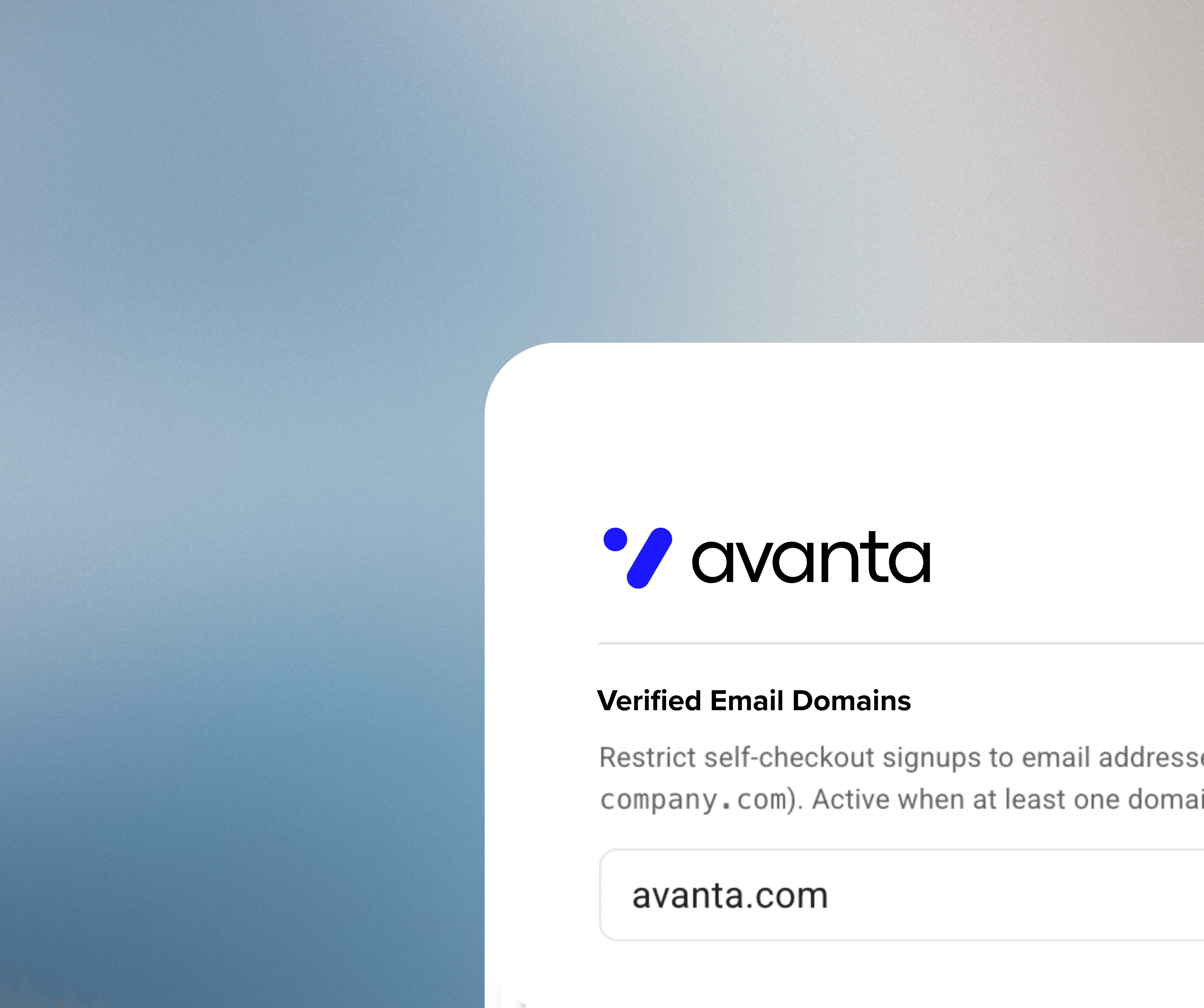
SSO, SCIM Provisioning and Verified Access

Enable SSO, SCIM provisioning or limit permit issuances to approved email domains such as @workplace.com to control access and ensure permits are only issued to eligible users.

Parking workflows for the modern workplace.

Monthly and recurring employee parking

Digitize recurring parking permissions, required documents, vehicle updates, and renewal dates while keeping facilities visibility current.

Visitors, candidates, and vendors.

Provide advance or arrival-time vehicle registration with defined hosts, areas, time limits, and expiration.

Assigned and designated spaces.

Centralize parking assignments so employees know where they may park and facilities teams can see the current record.

Multiple vehicles.

Define how many vehicles an employee may register and, where policy allows, let the employee select the vehicle associated with an active permission.

Multiple offices and corporate campuses.

Maintain organization-wide standards while preserving site-, building-, zone-, or group-specific policies and authorized visibility.

Approved use of excess capacity.

Where the property permits it, create short-term, event, or recurring paid parking products for underutilized parking.

The process. How Vert workplace parking works.

Step/01

Configure parking access.

Begin with an approved roster, corporate email domain, bulk upload, or integration. Set permit dates, zones, assignments, visitor rules, vehicle limits, reservations, prices if applicable, and the organization’s resolution process.

Step/02

Let approved users self-serve.

Employees can manage supported vehicle and parking tasks through a workplace-branded web experience. Workplace teams can also register visitors according to policy.

Step/03

Check current permissions.

Use mobile LPR on a compatible Apple or Android phone, on foot or from a patrol vehicle, to compare plates with current permits, assignments, visitors, and exceptions.

Step/04

Resolve according to workplace policy.

Use clear communications, warnings, notices, and documented escalation paths. Keep prior activity and supporting records connected for review or dispute handling.

FAQs

We've got answers.

Frequently asked questions about workplace parking management

What is workplace parking management software?
icon

Workplace parking management software centralizes employee permissions, vehicle registration, visitor parking, assignments, reservations where supported, mobile LPR, notices, and reporting for offices and corporate campuses.

Can employees manage their own vehicles and parking?
icon

Yes. Approved employees can use self-service workflows to register or update vehicles, submit required information, and manage supported parking permissions according to workplace rules.

Can Vert support hybrid workplace parking?
icon

Vert can configure parking products and permissions around dates, times, zones, durations, user groups, and supported reservations. Confirm any automatic release, waitlist, attendance, fairness, or calendar requirement during solution design.

Can employees register more than one vehicle?
icon

The organization can define how many vehicles an employee may register and how an active permission is assigned. Where allowed, users can manage supported vehicle changes through self-service.

How does visitor parking work?
icon

Authorized hosts or workplace teams can register visitors in advance or on arrival and apply configured locations, time limits, and expiration rules.

Does Vert integrate with SSO, HRIS, visitor management, or access control?
icon

Yes, integration requirements vary. Speak with our team to learn more.

Can Vert manage employee and visitor parking separately?
icon

Yes. The campus can maintain distinct employee and visitor programs, rules, areas, permits, and permissions. Employee self-service can reduce manual vehicle-update work, while current records help parking teams ensure visitors are parked in designated areas.

How does parking enforcement work in Vert?
icon

After mobile LPR flags a vehicle for review, a patroller can email or print a parking notice, track violation history, process payments and appeals, or initiate an available tow workflow.

How is Vert data stored and protected?
icon

Vert does not sell, rent, aggregate, or voluntarily provide customer data to third parties or government agencies, and we do not participate in bulk data-sharing programs. Data is used solely to deliver our services and nothing more. All customer data — including text, images, and uploaded assets — is encrypted in transit via TLS and encrypted at rest using strong industry-standard encryption.

Do employees need to download an app?
icon

Vert supports mobile-web registration for quick and simple registration, so a separate app download is not required.

Does mobile LPR require fixed cameras?
icon

No dedicated LPR camera installation is required for Vert’s mobile workflow. It runs on compatible Apple and Android phones.

What is workplace parking management software?
icon

Workplace parking management software centralizes employee permissions, vehicle registration, visitor parking, assignments, reservations where supported, mobile LPR, notices, and reporting for offices and corporate campuses.

Can employees manage their own vehicles and parking?
icon

Yes. Approved employees can use self-service workflows to register or update vehicles, submit required information, and manage supported parking permissions according to workplace rules.

Can Vert support hybrid workplace parking?
icon

Vert can configure parking products and permissions around dates, times, zones, durations, user groups, and supported reservations. Confirm any automatic release, waitlist, attendance, fairness, or calendar requirement during solution design.

Can employees register more than one vehicle?
icon

The organization can define how many vehicles an employee may register and how an active permission is assigned. Where allowed, users can manage supported vehicle changes through self-service.

How does visitor parking work?
icon

Authorized hosts or workplace teams can register visitors in advance or on arrival and apply configured locations, time limits, and expiration rules.

Does Vert integrate with SSO, HRIS, visitor management, or access control?
icon

Yes, integration requirements vary. Speak with our team to learn more.

Can Vert manage employee and visitor parking separately?
icon

Yes. The campus can maintain distinct employee and visitor programs, rules, areas, permits, and permissions. Employee self-service can reduce manual vehicle-update work, while current records help parking teams ensure visitors are parked in designated areas.

How does parking enforcement work in Vert?
icon

After mobile LPR flags a vehicle for review, a patroller can email or print a parking notice, track violation history, process payments and appeals, or initiate an available tow workflow.

How is Vert data stored and protected?
icon

Vert does not sell, rent, aggregate, or voluntarily provide customer data to third parties or government agencies, and we do not participate in bulk data-sharing programs. Data is used solely to deliver our services and nothing more. All customer data — including text, images, and uploaded assets — is encrypted in transit via TLS and encrypted at rest using strong industry-standard encryption.

Do employees need to download an app?
icon

Vert supports mobile-web registration for quick and simple registration, so a separate app download is not required.

Does mobile LPR require fixed cameras?
icon

No dedicated LPR camera installation is required for Vert’s mobile workflow. It runs on compatible Apple and Android phones.

What is workplace parking management software?
icon

Workplace parking management software centralizes employee permissions, vehicle registration, visitor parking, assignments, reservations where supported, mobile LPR, notices, and reporting for offices and corporate campuses.

Can employees manage their own vehicles and parking?
icon

Yes. Approved employees can use self-service workflows to register or update vehicles, submit required information, and manage supported parking permissions according to workplace rules.

Can Vert support hybrid workplace parking?
icon

Vert can configure parking products and permissions around dates, times, zones, durations, user groups, and supported reservations. Confirm any automatic release, waitlist, attendance, fairness, or calendar requirement during solution design.

Can employees register more than one vehicle?
icon

The organization can define how many vehicles an employee may register and how an active permission is assigned. Where allowed, users can manage supported vehicle changes through self-service.

How does visitor parking work?
icon

Authorized hosts or workplace teams can register visitors in advance or on arrival and apply configured locations, time limits, and expiration rules.

Does Vert integrate with SSO, HRIS, visitor management, or access control?
icon

Yes, integration requirements vary. Speak with our team to learn more.

Can Vert manage employee and visitor parking separately?
icon

Yes. The campus can maintain distinct employee and visitor programs, rules, areas, permits, and permissions. Employee self-service can reduce manual vehicle-update work, while current records help parking teams ensure visitors are parked in designated areas.

How does parking enforcement work in Vert?
icon

After mobile LPR flags a vehicle for review, a patroller can email or print a parking notice, track violation history, process payments and appeals, or initiate an available tow workflow.

How is Vert data stored and protected?
icon

Vert does not sell, rent, aggregate, or voluntarily provide customer data to third parties or government agencies, and we do not participate in bulk data-sharing programs. Data is used solely to deliver our services and nothing more. All customer data — including text, images, and uploaded assets — is encrypted in transit via TLS and encrypted at rest using strong industry-standard encryption.

Do employees need to download an app?
icon

Vert supports mobile-web registration for quick and simple registration, so a separate app download is not required.

Does mobile LPR require fixed cameras?
icon

No dedicated LPR camera installation is required for Vert’s mobile workflow. It runs on compatible Apple and Android phones.

Have more questions? Just reach out. Our team can show you how the platform works and find the right solution for your property.

Workplace parking management resources

Let's build better parking